← allegru
KOEN
QR Maker 앱 아이콘 QR MAKER

A QR editor,
down to the dot

Set the dot shape, the colors, the finder eyes and the logo, one at a time. Encode links, contacts, Wi-Fi, locations and events, then read them back with the built-in scanner. You can also write a code to an NFC tag, or sign in and keep your designs backed up.
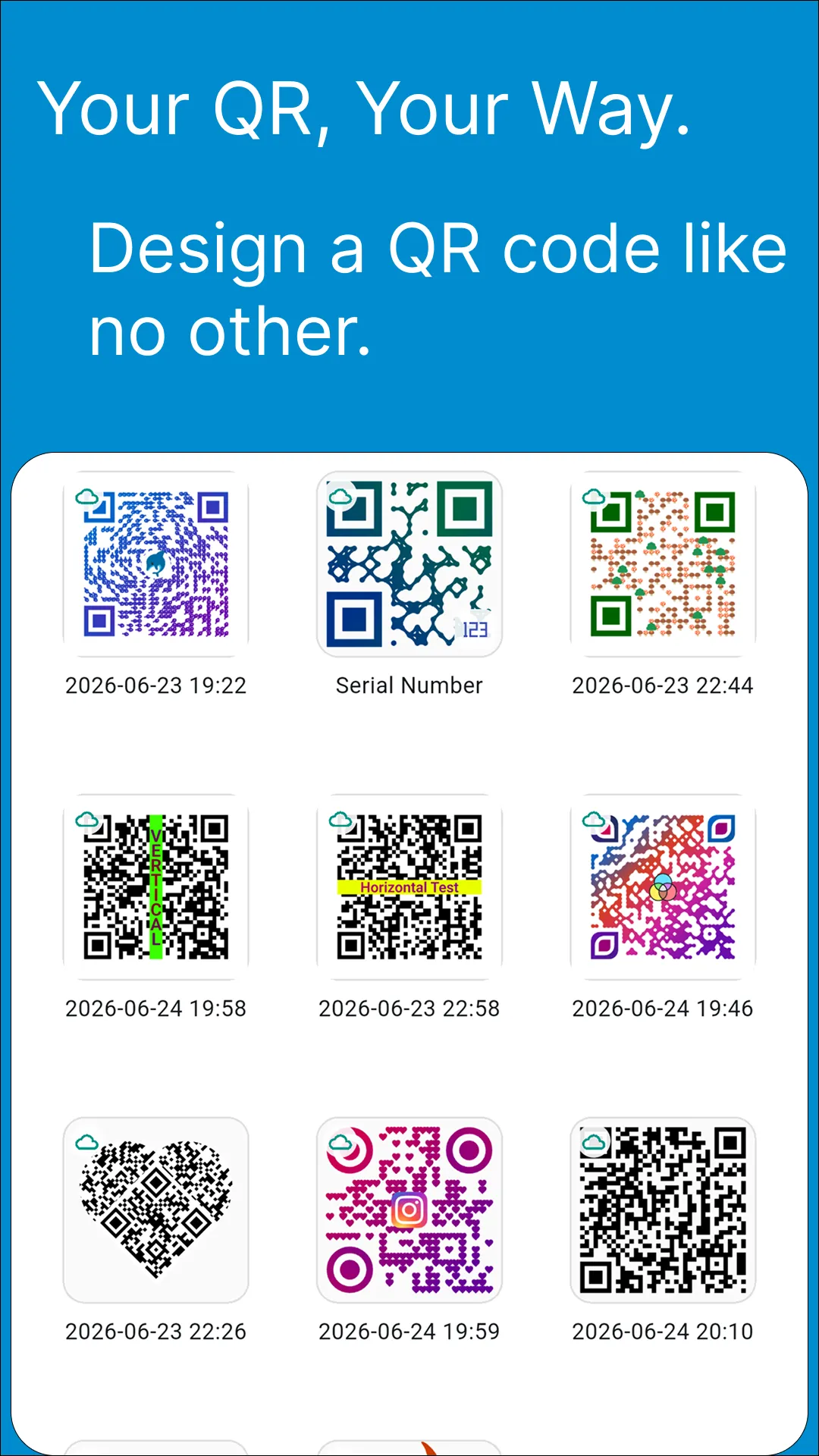
Your QR, Your Way — a gallery of custom QR designs

Features

What you can encode

  • Website / URL
  • Contact (vCard)
  • Wi-Fi credentials
  • Location (pick on map + address search)
  • Event (calendar)
  • Email · SMS · Text
  • App shortcut

Design editor

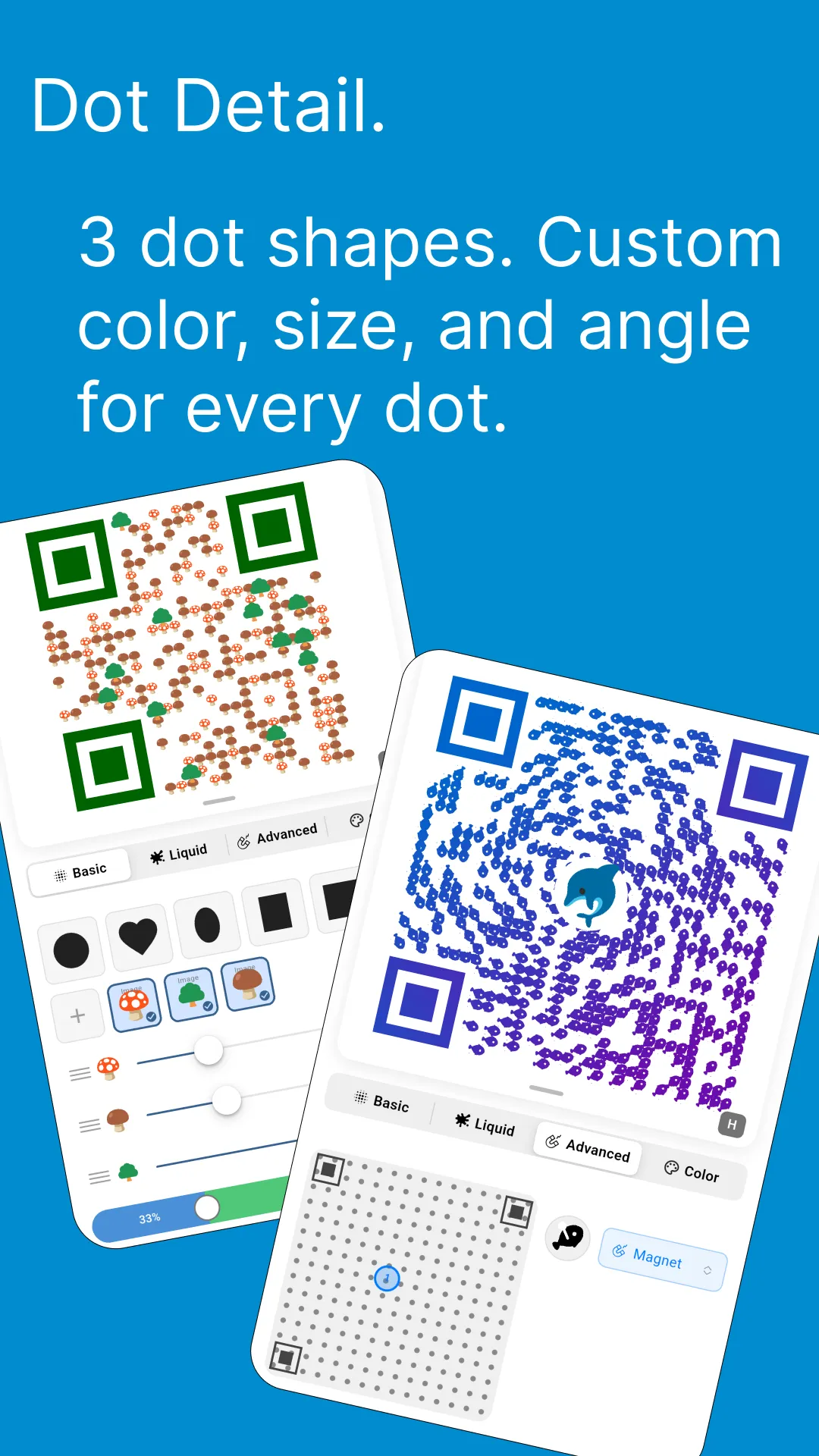
  • Dot and eye shapes, colors and gradients
  • Set the color and size of each dot on its own
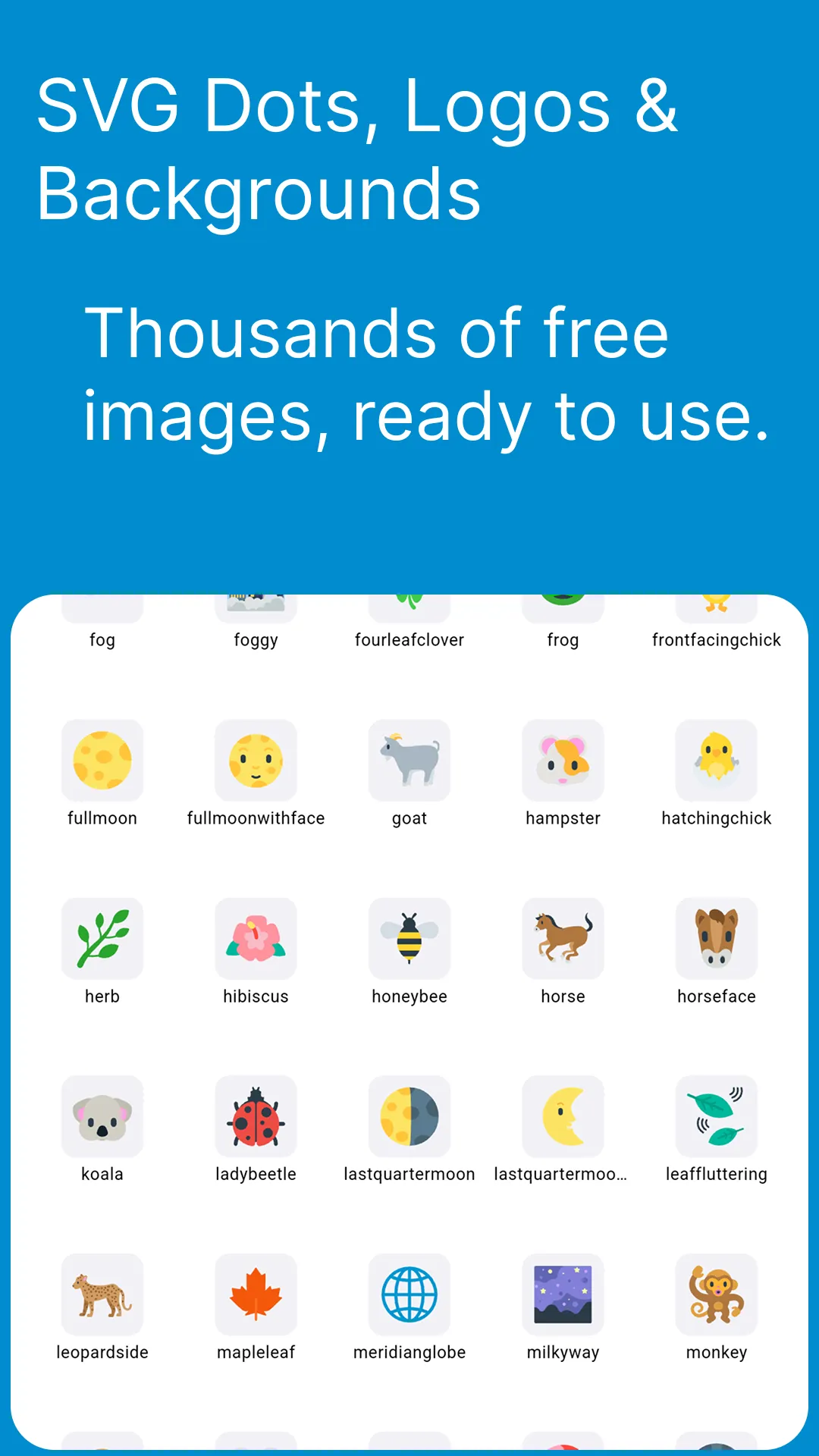
  • Dots, logos and backgrounds are SVG, so they scale cleanly
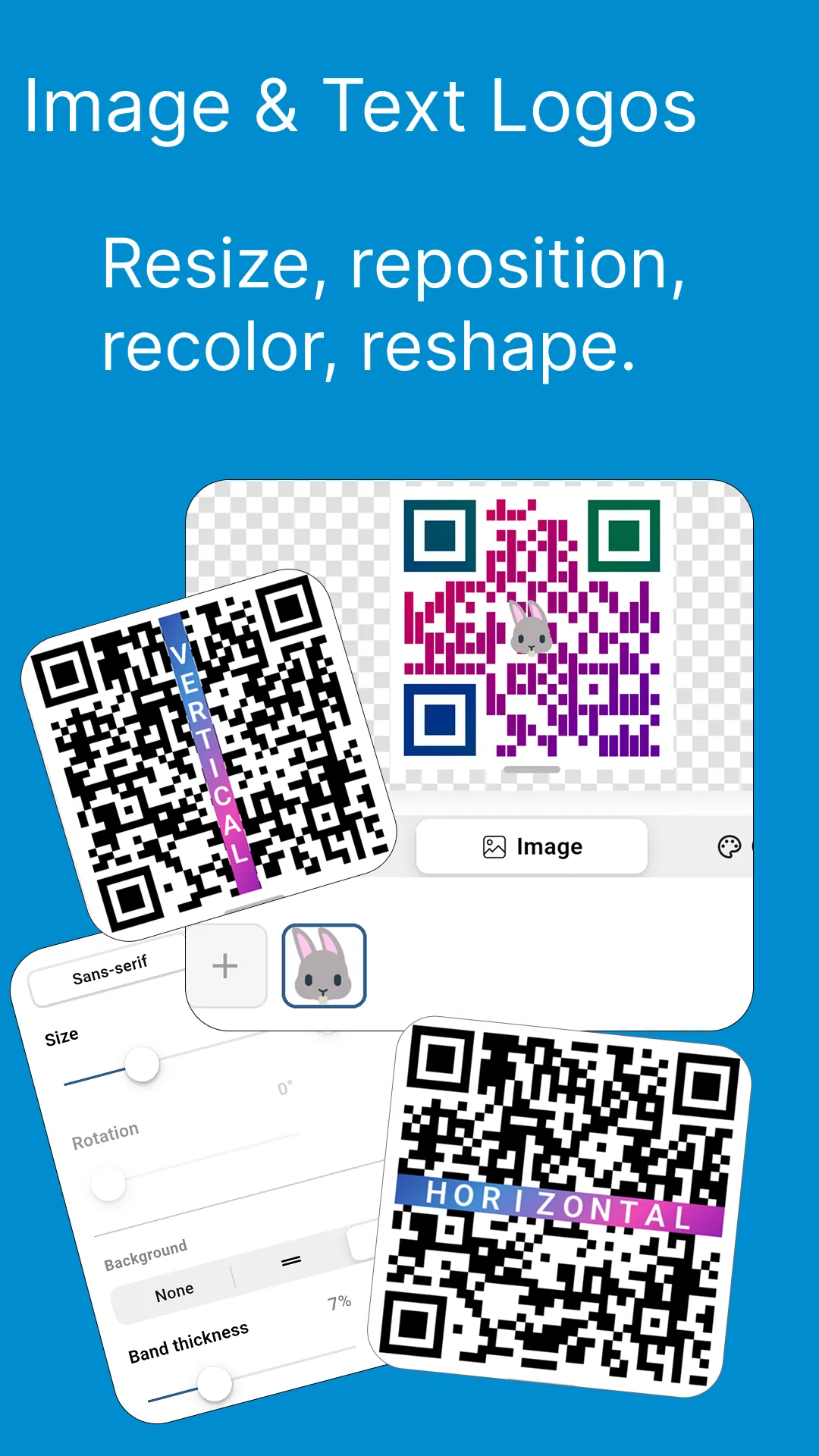
  • Add logos, background images, stickers and text bands
  • Search hundreds of thousands of Iconify icons
  • Transparent dots and eyes that let the background through
  • Templates apply in one tap; the preview updates as you go
  • Undo and redo as many steps as you like
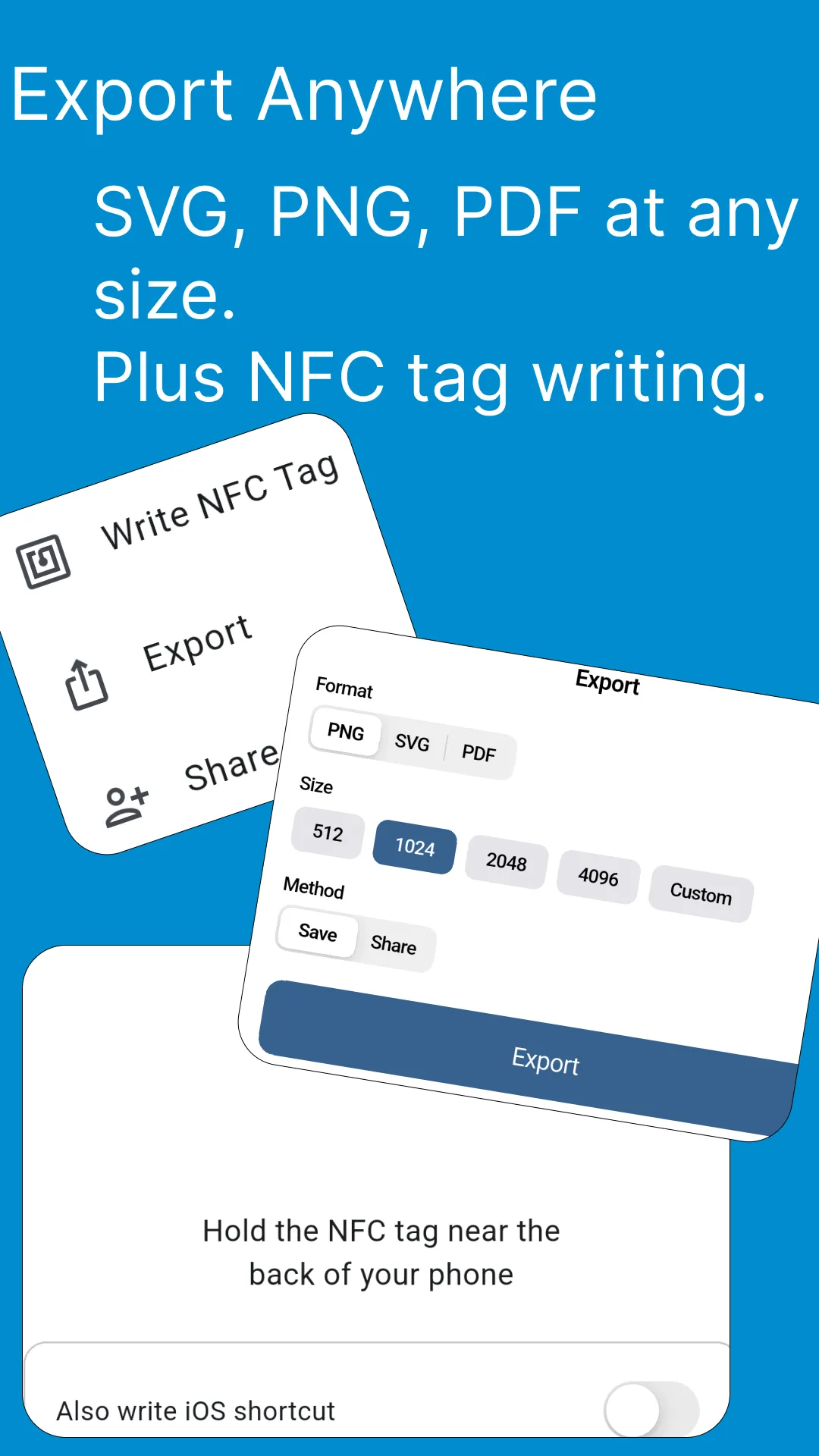
  • Export to PNG or SVG

Scan & NFC

  • Built-in QR scanner
  • Write a code straight to an NFC tag

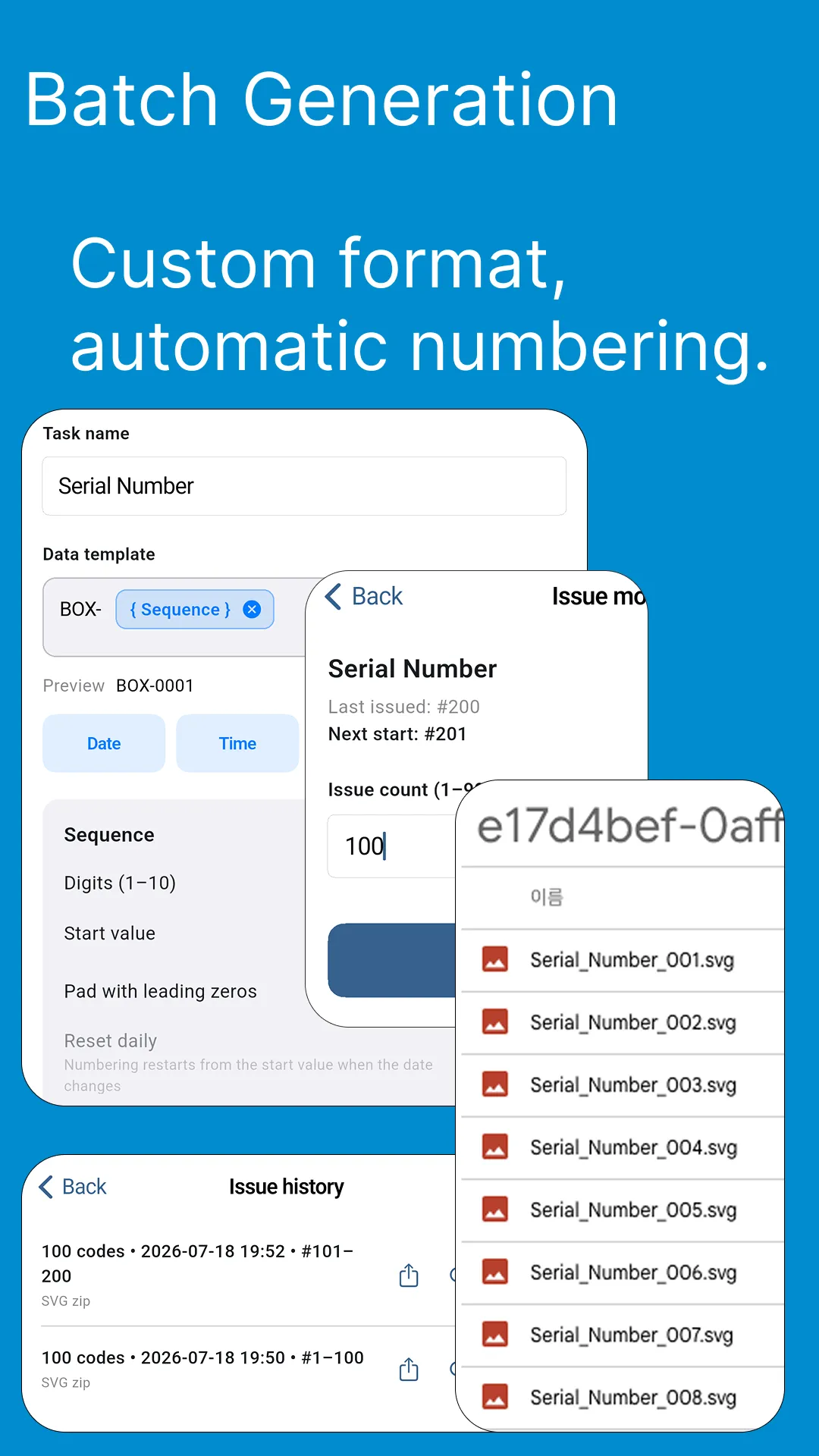
Serial codes in bulk

  • Generate and manage a run of numbered codes at once

Your saved designs

  • Every code is saved to the gallery, ready to reopen and edit
  • Organize, duplicate and reuse what you made before

Cloud backup (optional)

  • Sign in with Google or email to back up your designs
  • Restore the whole collection on another device
  • Nothing is locked behind the sign-in

The spec

Codes follow ISO/IEC 18004, so they still scan with a logo on top and the dots reshaped.

What it costs

Every feature is free, paid for by ads. One in-app purchase removes them for good.

Ten languages

Korean · English · Japanese · Chinese · Spanish · French · German · Portuguese · Thai · Vietnamese
Screenshots

No sign-in to get started

Install it and make one code. Add an account later if you want backups.

Get it on Google Play